Build custom 3D scenes
Combine your generated 3D characters with personal or ready-made environments.
AI 3D Photo Studio
Place custom 3D characters in a scene, pose them, tune the lights and camera, then save a shareable studio composition—right in your browser.
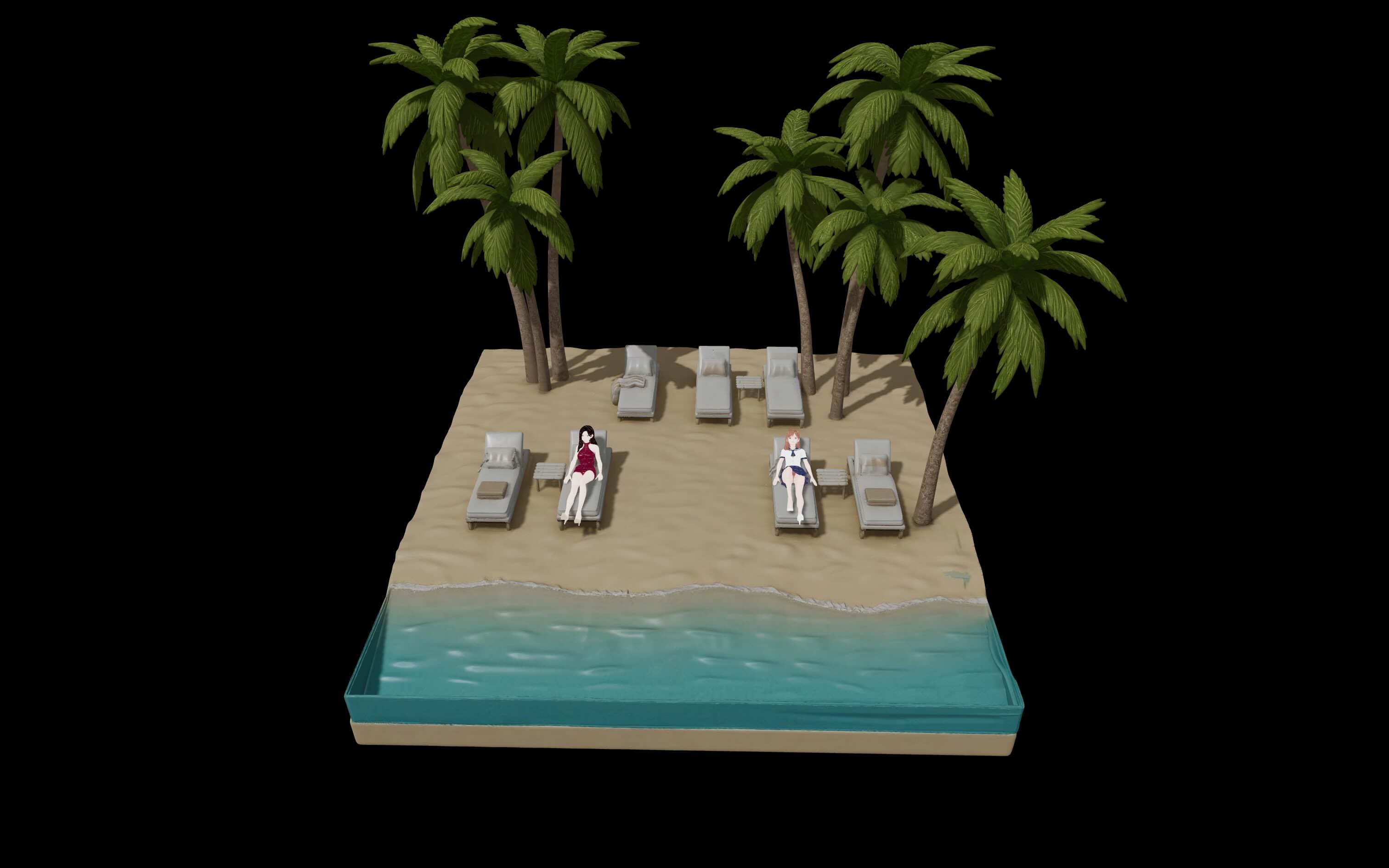
Combine your generated 3D characters with personal or ready-made environments.
Adjust character placement, scale, rotation, and bones for a natural composition.
Set the mood, frame the shot, and preview the scene before you save it.
Need a character first? See the image-to-3D workflow, or compare generation credits.