A personal 3D likeness
Create a stylized character based on the person, clothing, colors, and visible details in your photo.
Image to 3D character
SnapTo3D converts a clear, front-facing photo into a textured 3D character. Preview the model in your browser, download the GLB, bind an animation, or place the character in an interactive scene.
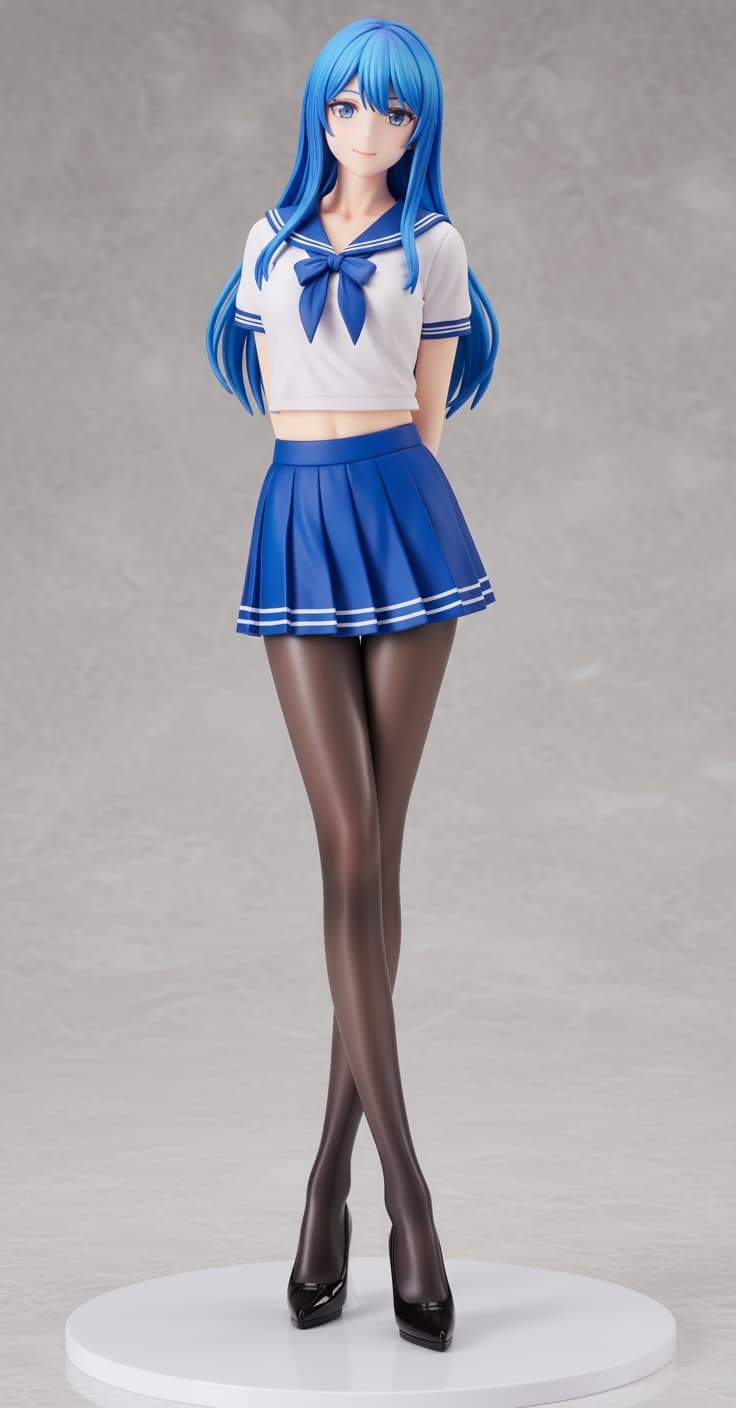
Create a stylized character based on the person, clothing, colors, and visible details in your photo.
Choose walking, running, dancing, or swimming workflows when you want the character to move.
Download the completed 3D model in GLB format for compatible viewers, tools, and personal projects.
STEP 1
Use one front-facing person with the face, clothing, arms, and legs visible against a simple background.
STEP 2
Select a cute chibi treatment or an anime-inspired 3D style based on the result you want.
STEP 3
The AI prepares the source image and reconstructs a textured character that can be viewed from every angle.
STEP 4
Use the model in SnapTo3D scenes, open it in the photo studio, add animation, or download the GLB.
This 3D character creator starts from a personal photo; it is not an interactive character-dress-up game or a general-purpose CAD tool. Custom generation requires registration and credits. Select Japanese-style action settings when available if movement is your goal; do not assume that every static or Chibi model includes the same animations.
Generic image-to-3D tools are often designed for objects. SnapTo3D focuses on personal characters and the experiences that come after model generation. Your result can become the subject of a runway show, dance performance, racetrack, pool scene, extreme-sports sequence, or virtual photo shoot.
Photo quality matters because a single image cannot show every hidden surface. A full-body or nearly full-body photo with simple clothing and an uncluttered background gives the system clearer information about proportions and appearance. Avoid multiple people, covered limbs, back-facing poses, and tiny subjects.
The browser preview lets you inspect the generated model before using it elsewhere. When the result is ready, you can keep it in your character library, download the GLB, create shareable media, or continue toward a physical collectible figurine.
SnapTo3D accepts common JPG and PNG images up to 5 MB. A clear, well-lit image with one person works best.
Yes. Completed character models can be downloaded as GLB files from your character library.
Yes. Animation workflows include catwalk, running, dancing, and swimming, depending on the selected generation flow.
Yes. Generated characters can be placed in virtual scenes and composed in the SnapTo3D photo studio.