Made from a personal photo
Start with a recognizable person, outfit, and style instead of selecting a generic pre-made figure.
Custom 3D figurine from photo
Create a personal 3D character from one photo, inspect the digital model, and use SnapTo3D’s printing workflow to order an eligible design as a physical keepsake.
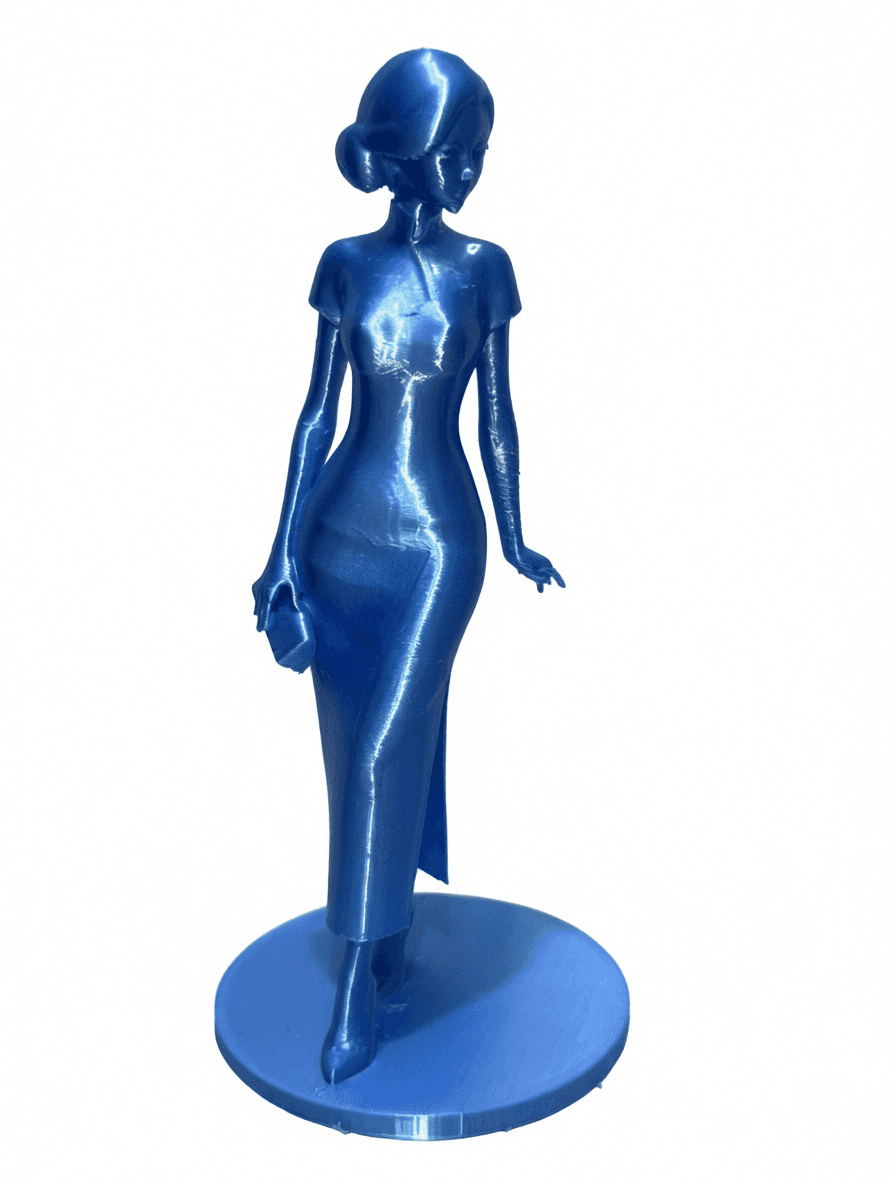
Start with a recognizable person, outfit, and style instead of selecting a generic pre-made figure.
Rotate the 3D character online and review its overall appearance before starting a print order.
Create a one-of-a-kind collectible for birthdays, friendships, couples, celebrations, or personal display.
STEP 1
Choose one front-facing person with visible features and clothing. A simple background produces cleaner source material.
STEP 2
Choose chibi for a cute collectible look or anime-inspired styling for a more proportioned character.
STEP 3
Inspect the completed character from different angles and confirm that the overall design suits your intended keepsake.
STEP 4
Choose an eligible completed model, select the available print options, provide shipping details, and place the order.
A 3D printed figure or small statue needs more than an attractive preview: dimensions, thin details, disconnected parts and the production finish all matter. Existing case studies show specific monochrome figurines, not a promise of full-color printing or movable joints. A digital animation does not create a mechanically articulated action figure.
SnapTo3D begins with a digital character rather than sending a photo directly to a generic merchandise template. That means you can explore the model in 3D, use it in virtual scenes, save media, and decide whether the design is right for a physical collectible.
A good source image makes the figurine more personal. Use a photo where the face is visible, the person occupies most of the frame, and important clothing details are not covered. Complex backgrounds, multiple people, back-facing poses, and hidden limbs reduce the information available to the generation process.
Printing availability, size, color, shipping, and production options are shown during the order flow. Keep the digital GLB even if you do not order immediately, or use the character in SnapTo3D’s studio, runway, stage, and other interactive scenes.
You can view and rotate the generated digital 3D character before beginning the print order workflow.
Use a well-lit photo of one front-facing person with visible facial features, clothes, arms, and legs against a simple background.
Yes. The digital character remains useful for GLB download, animations, custom scenes, and virtual studio compositions.
No. Model generation and physical printing are separate steps. Current pricing and available fulfillment options appear in the product and checkout flows.