Character creation ·
How to Keep AI Characters Consistent
Keep a character recognizable by separating fixed identity from scene changes, preserving approved references and reusing an accepted model where supported.
Read the guideSnapTo3D learning center
Make better source-photo decisions, understand character styles and GLB output, and choose the right workflow before starting a generation.
39 guides
Character creation ·
Keep a character recognizable by separating fixed identity from scene changes, preserving approved references and reusing an accepted model where supported.
Read the guideCharacter creation ·
Plan a manageable first 3D character with a clear silhouette, a small palette and a practical review checklist, without relying on an elaborate prompt.
Read the guideGLB & modeling ·
Understand GLB as general 3D delivery and VRM as a humanoid-avatar convention, including rig mapping, version support and conversion limits.
Read the guideAnimation & display ·
Learn how bones, controls and skinning make a character poseable, and why a mesh, rig and animation clip are different parts of a 3D workflow.
Read the guideCharacter creation ·
Create an original character with a clear role, consistent visual choices and a reusable brief before choosing illustration or 3D production.
Read the guideCharacter creation ·
Prepare a full-body reference with complete framing, readable limbs and clothing boundaries, and distinguish a source image from a multi-view model sheet.
Read the guideGLB & modeling ·
Build or simplify a character mesh while preserving silhouette, materials and required deformation; understand why polygon reduction is not file compression.
Read the guideGLB & modeling ·
Choose a beginner-friendly 3D modeling method by the object, source material and required output: simple modeling, image generation or photographic reconstruction.
Read the guideCharacter creation ·
Understand what an avatar image represents, how it differs from a 3D avatar and how to choose a readable picture for a profile or community account.
Read the guideCharacter creation ·
Compare AI character generators by image, model and animation deliverables, input control, revision costs and destination requirements—not untested rankings.
Read the guideGLB & modeling ·
Choose a relief, lithophane or full-model route before converting a photo to STL, then validate the geometry and scale for printing.
Read the guideGLB & modeling ·
Prepare a PNG for an extruded outline or relief, handle transparency deliberately and validate closed geometry before exporting STL.
Read the guideCharacter creation ·
Choose a cartoon picture or reusable 3D character by the final use, export requirements and revisions you need—not just the appearance of a preview.
Read the guideCharacter creation ·
Create a photo-based avatar by choosing a destination, preparing a reference and checking the difference between a profile image and a compatible 3D asset.
Read the guideGLB & modeling ·
Evaluate photogrammetry software by capture inputs, required outputs, hardware, licensing and a repeatable trial—not unsupported best-tool rankings.
Read the guideGLB & modeling ·
Create an STL from a designed or generated model, check dimensions and mesh condition, then validate the sliced result before printing.
Read the guideCharacter creation ·
Choose a practical path to a 3D anime model: manual modeling, photo-based generation or a hybrid workflow, with checks for geometry, materials and motion.
Read the guideCharacter creation ·
Turn a personal photo into a stylized 3D cartoon character by choosing a usable image, setting style expectations and checking the model before reuse.
Read the guideGLB & modeling ·
Decide whether to use one photo, a reference set or an overlapping capture sequence for 3D modeling, without confusing extra images with supported inputs.
Read the guideGLB & modeling ·
Use a picture as a Blender modeling reference, or import an externally generated GLB. Learn why adding an image is not automatic full-object reconstruction.
Read the guideCharacter creation ·
Design an original anime character with a clear brief, recognizable silhouette and consistent reference before choosing an illustration or 3D workflow.
Read the guideCharacter creation ·
Prepare a consistent anime model sheet with aligned views, color notes and resolved details, and understand when to use a single source image instead.
Read the guideGLB & modeling ·
Learn when a 3D photo filter or parallax effect is enough, and how to check whether an output is reusable geometry rather than only an image or video.
Read the guideGLB & modeling ·
Compare single-image AI 3D generation with multi-photo reconstruction by inputs, hidden surfaces, capture requirements and the output you need.
Read the guide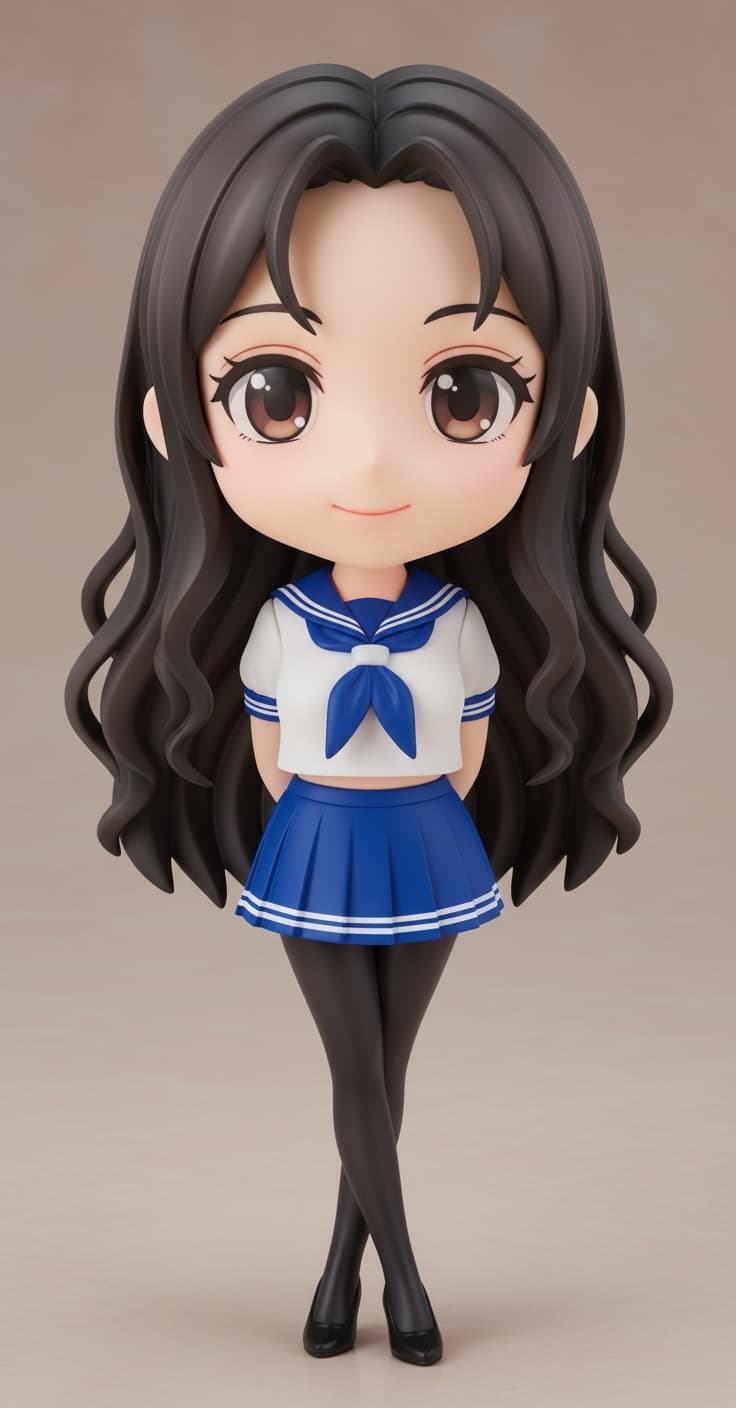
Character creation ·
Design a readable chibi character with compact proportions, a clear silhouette and recognizable details, then prepare a useful reference for a 3D model.
Read the guideCharacter creation ·
Make a chibi profile picture from a 3D character: choose a view, capture a still, crop for a circular avatar and check it at small sizes.
Read the guideGLB & modeling ·
Compare 2D images and 3D models by viewpoint, geometry, textures and reuse, and choose the right output for avatars, animation or figurines.
Read the guideGLB & modeling ·
Choose a 3D model converter by destination requirements, geometry, materials, animation, compression support and privacy—not just file extensions.
Read the guideCharacter creation ·
Understand what chibi means in character design, how its proportions differ from anime styles, and when to choose a chibi 3D character.
Read the guideGLB & modeling ·
Learn what a GLB file contains, how it differs from glTF, images and STL, and what to check when opening a compressed 3D character model.
Read the guideCharacter creation ·
Make a chibi 3D character from a personal photo: prepare the image, choose the style, inspect the model and understand download and figurine options.
Read the guideGLB & modeling ·
Convert a GLB model to STL with a documented Blender workflow, then check dimensions, geometry and slicer output before attempting a print.
Read the guide
Character creation ·
Turn a personal photo into an anime-inspired character, distinguish a 2D filter from a real 3D model, and choose supported animation options.
Read the guideGLB & modeling ·
Learn a documented GLB to FBX workflow and the checks needed for materials, textures, bones, animation and scale in the receiving application.
Read the guide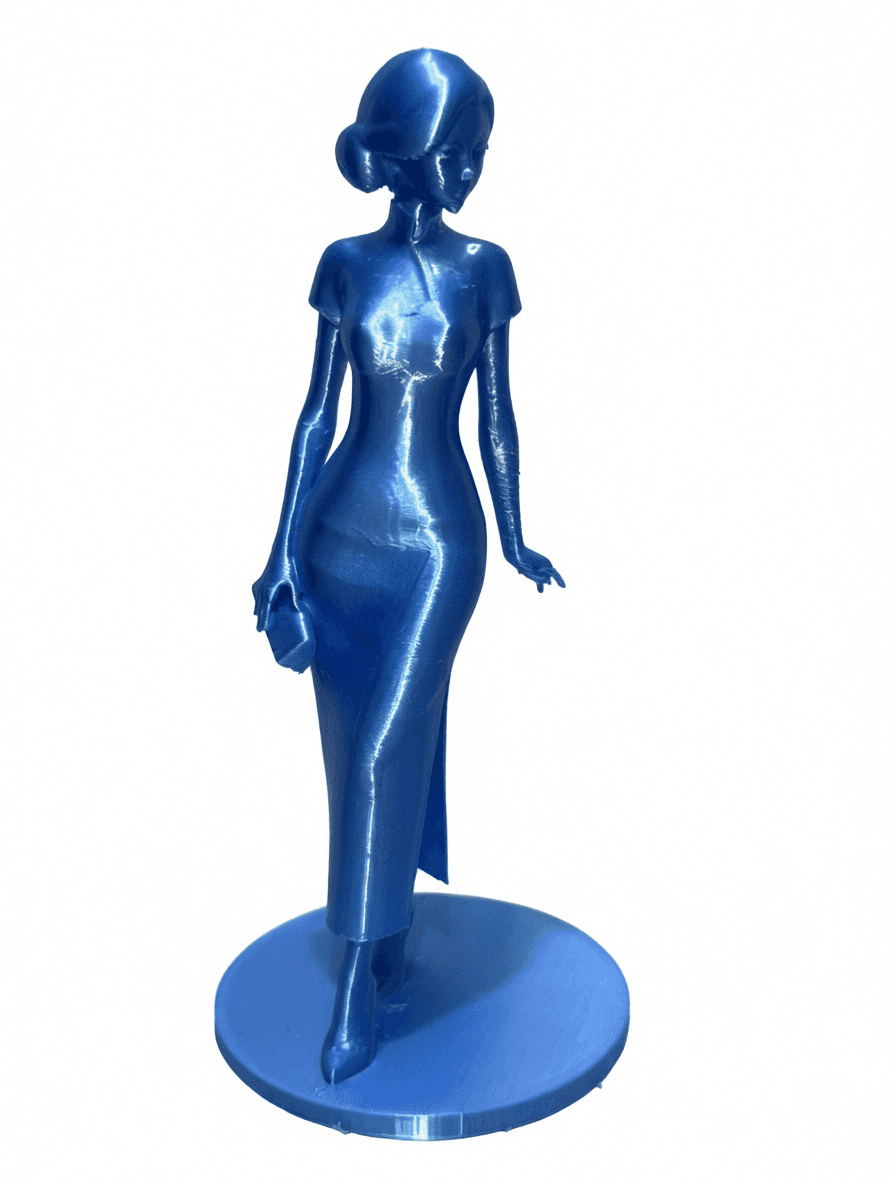
3D printing ·
Compare AI action-figure pictures, downloadable 3D models and real printed figurines before choosing a workflow or paying for a result.
Read the guideGLB & modeling ·
Choose a practical route from a 2D image to a 3D model, understand hidden-surface limitations, and check the model before animation, export or printing.
Read the guideCharacter creation ·
A practical checklist for framing, pose, lighting, clothing and source-photo mistakes.
Read the guideCharacter creation ·
Compare proportions, animation availability and figurine suitability before choosing a style.
Read the guide3D printing ·
Understand print-ready geometry, scale, color handling and what to check before slicing.
Read the guideStart with one clear photo, compare the available styles, and inspect the generated character from multiple angles.
Explore image to 3D