Character creation
How to Turn a Photo into an Anime Character
By SnapTo3D · Published · Updated
Start with a clear photo of one person and decide whether you want an anime-style picture or a reusable 3D character. In SnapTo3D, the Japanese style creates a 3D character that you can inspect, with action options available in the generation workflow.
Choose the output before choosing the tool
An anime photo filter changes the pixels of a picture. It can be enough for a profile image, but it does not give you a back view, a mesh or a skeleton. If you want a character you can rotate or stage, look for an actual model output.
SnapTo3D is character-focused. It is not a general anime image editor, a frame-by-frame animation system or a tool for converting an entire group photo into a cast.
Prepare a useful input
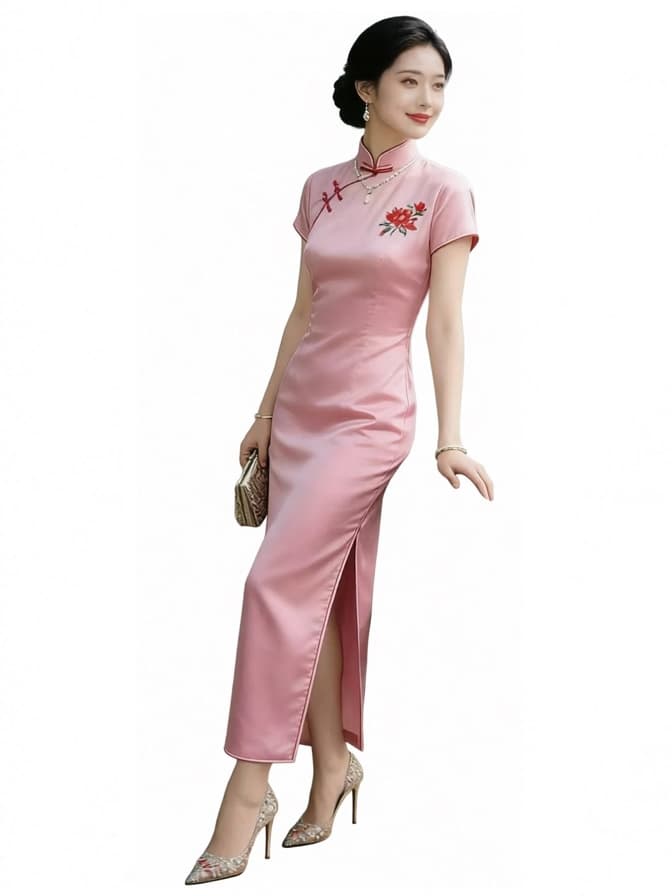
- Use one person, facing the camera with a clearly visible face.
- Include the full body when clothing and footwear matter.
- Avoid crossed limbs, heavy motion blur and objects hiding the silhouette.
- Check that you have permission to use the photograph.
Choose the Japanese style
On the homepage, select the Japanese style and review the available generation settings. The style emphasizes a different silhouette from the compact Chibi option. Your photo influences the result, but a single image cannot show every surface of the person.
Sign in and review the current credit cost before confirming. Custom generation is credit-based; this guide does not imply a free trial or a registration credit grant.
Decide whether you need an action
If movement is your goal, use the action options currently shown for the Japanese style. Walking, running, dancing and swimming choices are workflow-specific. Do not assume that every static character can later perform every action without additional processing.
For a still composition, inspect the available Studio actions after generation. A static scene or rendered portrait does not require the same deliverables as an animated sequence.
Review the result before using it
Check the face, hands, clothing edges and back of the model. Look for features that the original photo hid or that stylization simplified. A result can resemble the person without reproducing every detail exactly.
Download an eligible GLB if you need a local model. External applications may interpret materials or animation differently, so inspect the imported result before committing to a larger project.
Frequently asked questions
Can I turn any anime picture into a production-ready game character?
That is not a guaranteed outcome. Reference rights, geometry, rigging, materials and the receiving game’s requirements all need review.
Does changing the style keep the same model?
A new generation should not be assumed to preserve the same mesh or exact likeness. Review its credit requirement and inspect the new output.