Recognizable chibi styling
The character uses classic chibi proportions while retaining visual cues from the uploaded person.
Chibi 3D model generator
Transform one person into a big-headed, small-bodied chibi character while preserving recognizable colors, clothing, and personality. Keep the result digital or continue toward a custom collectible.
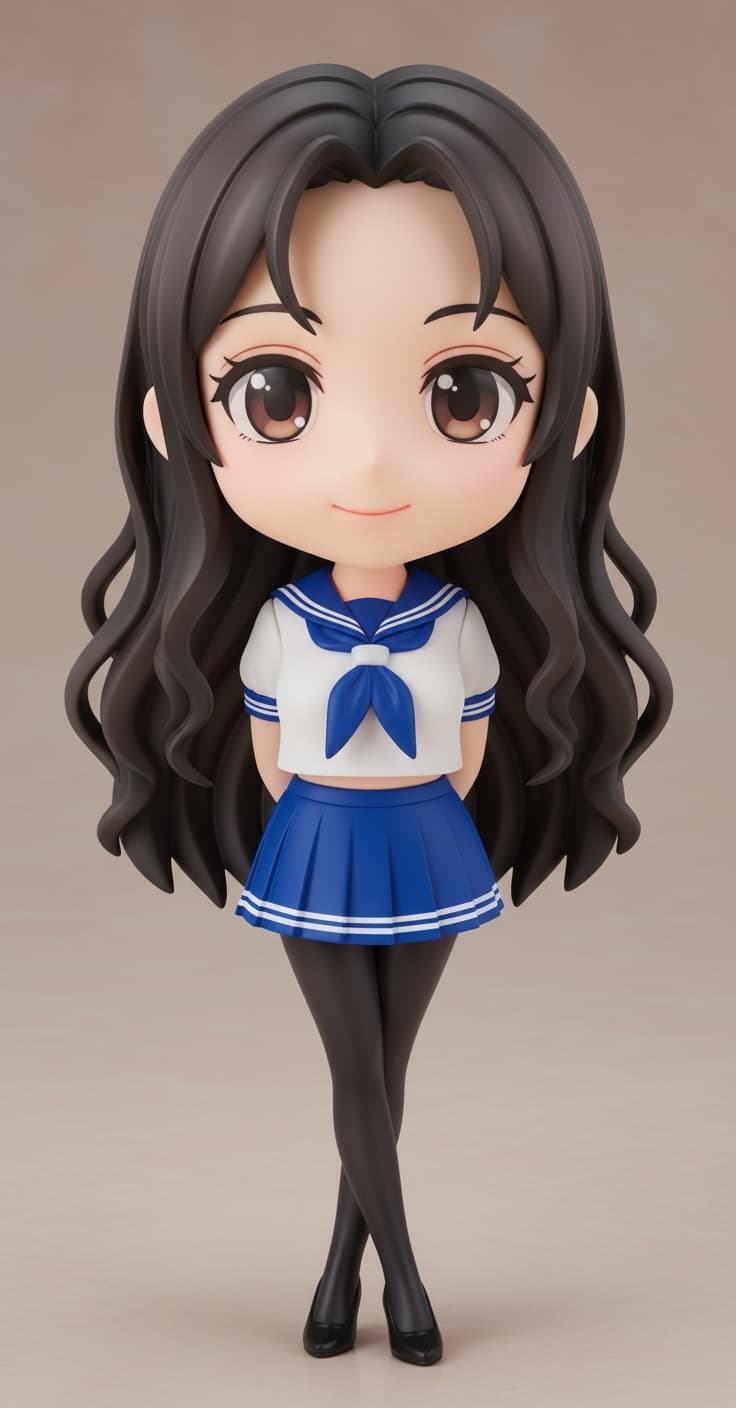
The character uses classic chibi proportions while retaining visual cues from the uploaded person.
Inspect the textured result from different angles in an interactive browser-based 3D viewer.
Download the GLB, use the character in SnapTo3D scenes, or order an eligible design as a figurine.
STEP 1
Upload one person facing the camera. Visible clothes and limbs help produce a more complete chibi design.
STEP 2
Choose the chibi style to emphasize the head, simplify the body, and create a collectible-toy appearance.
STEP 3
Rotate and inspect the textured character after processing finishes, then regenerate if the source photo needs improvement.
STEP 4
Download the GLB, arrange a studio scene, make shareable images, or explore printing options.
Looking for a chibi 3D model maker rather than a picture filter? This workflow produces a model you can inspect and download as GLB. Custom generation requires an account and credits; review the displayed cost before confirming. The homepage action-generation choices currently apply to the Japanese style, not the Chibi option.
A chibi model is more than a generic cartoon filter. The result has real 3D geometry and texture, so you can rotate it, view it from multiple angles, place it beside other characters, and use it inside SnapTo3D experiences.
For the best resemblance, use a photo with good lighting and an unobstructed face. Simple, solid-colored clothing is easier to interpret than complex patterns, reflective accessories, crossed arms, or hands hidden behind the body. The person should occupy most of the image.
Chibi characters work especially well for birthday gifts, friendship keepsakes, couple collectibles, team souvenirs, and playful profile content. You can keep the downloadable model, build a virtual scene around it, or use the printing workflow for an eligible physical version.
Chibi characters use an intentionally oversized head, compact body, and cute simplified proportions while keeping recognizable personal details.
No. Uploading, generation, preview, and download are handled through the browser interface.
Generate each person from a separate photo, then place the completed characters together in a SnapTo3D studio or scene.
Yes. Completed character models can be viewed interactively and downloaded in GLB format.